GPT Image 2 Prompt
The most complete GPT Image 2 prompt collection for 2026. Organized by use case — from infographics and marketing ads to UI mockups and cinematic scenes. Copy any prompt instantly and generate production-ready visuals with text fidelity and structured layout precision.
Text-Heavy Structured Visuals — Infographics, Slides, Charts & Educational Diagrams - GPT Image 2 Prompt
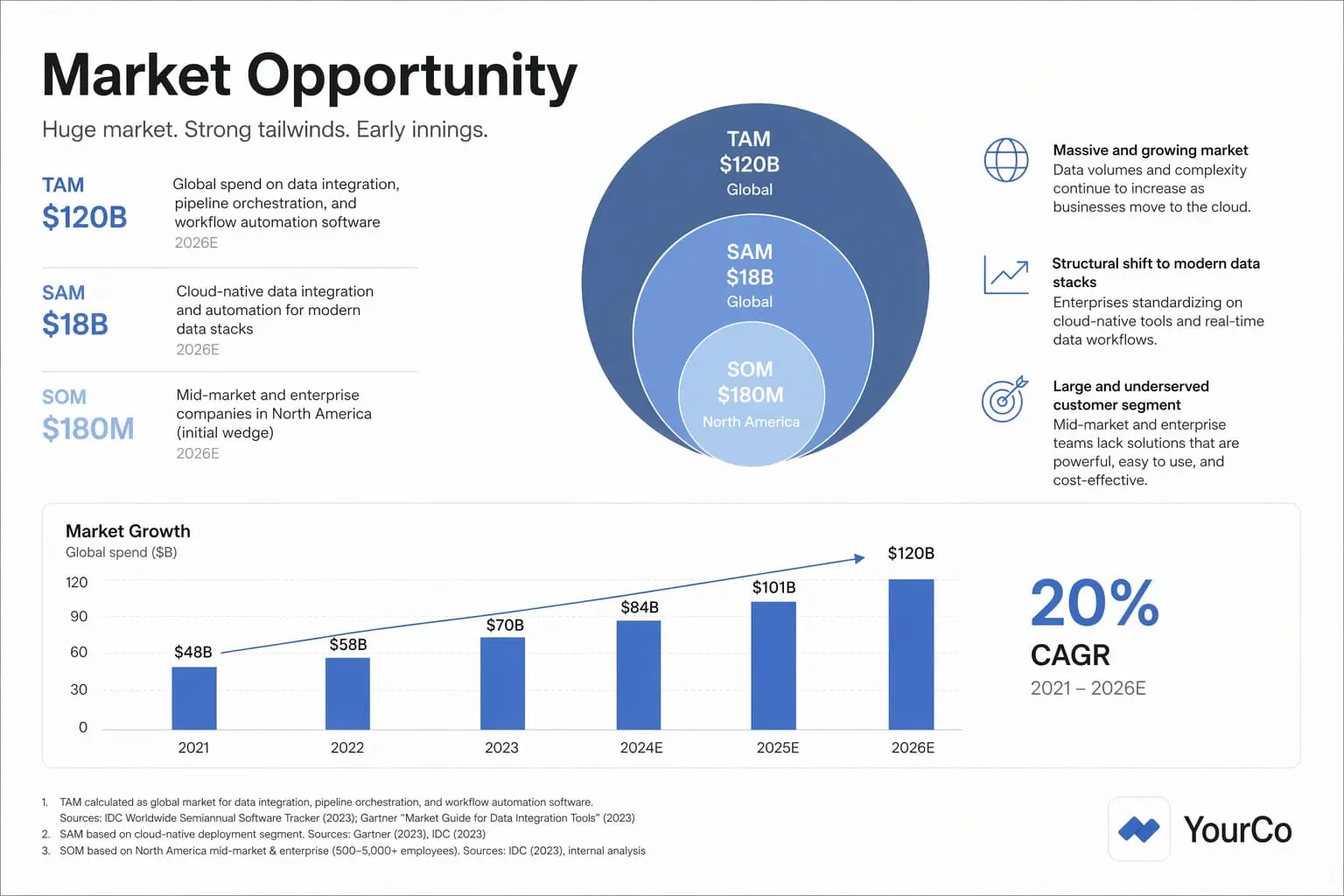
GPT Image 2's strongest differentiator is reliable, dense text rendering inside images. These prompts produce infographics, pitch-deck slides, classroom diagrams, and menus — structured visual artifacts where layout logic, legible labels, and hierarchy matter as much as aesthetics.


Localization & Multilingual Text Rendering - GPT Image 2 Prompt
GPT Image 2 supports multilingual text rendering inside images — translating labels, captions, and body copy while preserving the original layout, design logic, and visual structure. These prompts cover in-image translation for international campaign production, ad localization, packaging, and multilingual educational content.

Photorealism & World-Knowledge Scenes — Portraits, Historical & Fantasy - GPT Image 2 Prompt
GPT Image 2 combines aesthetic quality with real-world knowledge. These prompts generate photorealistic portraits, period-accurate historical scenes, and fantastical environments where the model draws on contextual understanding — not just visual style.


Branding, Logo Design, Ads & Marketing Creative - GPT Image 2 Prompt
GPT Image 2 is built for production-ready marketing artifacts. These prompts generate logos, fashion ad campaigns, billboard mockups, holiday cards, and product gift sets — with precise text rendering, exact taglines, and no hallucinated copy.


UI Mockups, Screenshots & Product Design Artifacts - GPT Image 2 Prompt
GPT Image 2 reasons through image structure for complex design outputs. These prompts produce realistic mobile app mockups, in-device UI screens, and enterprise-ready environmental designs — outputs close enough to use directly in design workflows or client presentations.


Image Editing, Precision Modification & Preservation Workflows - GPT Image 2 Prompt
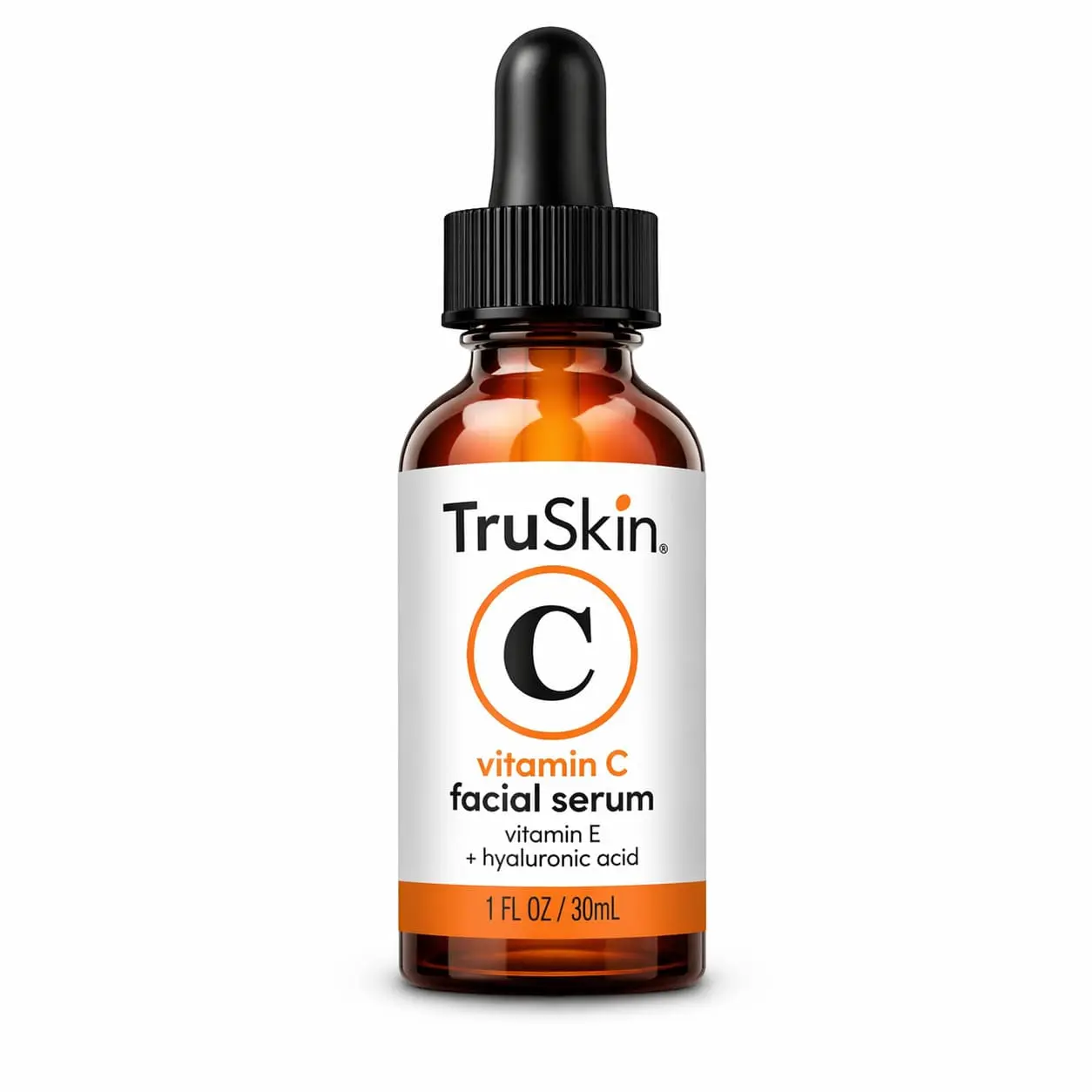
GPT Image 2 supports mask-based edits, reference-image composition, style transfer, and multi-turn refinement. These prompts cover surgical object removal, virtual try-on, sketch-to-render, product cleanup, weather transformation, and interior design object swaps.


What Is GPT Image 2?
GPT Image 2 is OpenAI's latest state-of-the-art image generation model, built for fast, high-quality generation and editing with an emphasis on practical, production-ready outputs — not just aesthetics.
- Reliable Dense Text RenderingGPT Image 2's strongest differentiator: it generates menus, diagrams, posters, and infographics with legible, accurate text — something earlier image models consistently failed at.
- Structured Layout GenerationProduces slides, charts, UI mockups, floor plans, and comic strips with proper hierarchy, spatial logic, and visual structure — not just pretty pictures but usable design artifacts.
- Precise Editing & IterationSupports mask-guided edits, reference-image composition, virtual try-on, object removal, and multi-turn refinement — letting you move from ideation to production-ready output inside one system.
Why GPT Image 2 Prompt Need More Precision
GPT Image 2 rewards detailed, task-shaped prompts far more than artistic ones. The more specific your instructions, the closer the output is to something production-ready.
How to Use GPT Image 2 Prompt
Follow these steps to get the most out of GPT Image 2 — whether generating from scratch, editing an existing image, or building production-ready visual assets.
GPT Image 2 Prompt Writing Best Practices
Six high-impact techniques that separate production-quality GPT Image 2 outputs from average results. Apply these to any prompt category.
Quote All Verbatim Text
For any output that includes visible text — taglines, labels, menus, slide titles — wrap the exact copy in quotes: 'Billboard text (EXACT, verbatim): "Fresh and clean"'. This significantly reduces hallucinated or duplicated text.
Specify Layout Logic Explicitly
For structured outputs like infographics, slides, or UI mockups, describe the visual hierarchy: 'TAM/SAM/SOM concentric-circle diagram above, bar chart below, footnotes at bottom-right.' Layout instructions beat vague aesthetic descriptions.
Name the Style Category and Medium
Don't say 'make it look good.' Say 'premium holiday card photography' or 'children's book illustration, hand-painted watercolor look.' Named style categories activate GPT Image 2's training knowledge about what that aesthetic actually requires.
Anchor Editing Scope with Preservation Language
In editing prompts, always state what must not change: 'Do not change her face, facial features, skin tone, body shape, pose, or identity.' Without explicit anchors, the model may over-edit. Preservation language is as important as change instructions.
Add Camera and Output Specifications
Technical specs act as quality multipliers: '85mm portrait lens' for compressed backgrounds, 'shallow depth of field' for professional bokeh, '35mm film grain' for authenticity, 'photorealistic 8K' for maximum detail. These keywords directly influence output quality.
Use Negative Instructions for Clean Outputs
Always close prompts with explicit exclusions: 'No extra text, no watermarks, no unrelated logos.' For portraits: 'No glamorization, no heavy retouching.' Negative instructions remove common model assumptions that produce cluttered or stylized outputs when you want clean ones.
Frequently Asked Questions about GPT Image 2 Prompt
Common questions about using GPT Image 2 for production-ready image generation, editing, and structured visual creation.